
Industry solutions
Eight workflows for appliance and electronics assembly
For small-appliance and electronics assembly teams of 20–100. Choose a problem to see who handles each step and which records you can inspect in a virtual-factory demo.

Small-appliance assembly
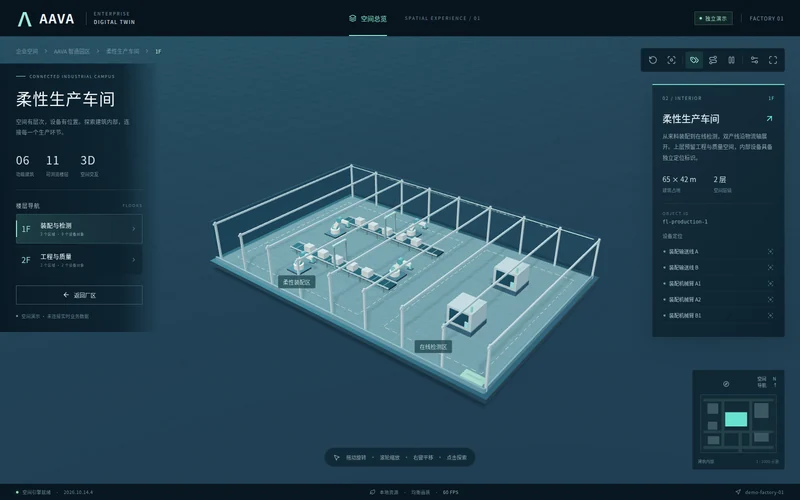
Motor changeoverA fan motor changes. What happens to open orders?
A new motor is ready, but materials have already been issued for open fan orders. Engineering, planning and warehouse need to agree which orders switch.
Engineering checks usage
Trace the old motor to the BOMs that use it, select the models to change and review the effective date.
Planning checks open orders
Compare the implemented change with each released order’s frozen revision to identify the material basis for existing and new orders.
Warehouse and assembly follow the work order
Issue against the order requirements and report against its routing. Submit an order-specific substitution for approval when needed.
Rush orders on a shared lineTwo models need the same station. Which shift can take a rush order?
Parts may be ready while equipment, staffing or a changeover still limits the line. The planner needs an available slot before revising the schedule.
Check material readiness
Review shared parts, allocations and available stock against demand to find executable work orders.
Try a schedule by shift
Check equipment, staffing and existing reservations. Compare due-date priority with fewer changeovers among equally due jobs.
Ask AI, then review the plan
Inspect overload minutes and blocked operations in the plan. The planner reviews and submits it for approval before dispatch.
Tracing boxes across binsTwo boxes from one lot are stored separately. Where did the moved box go?
The same item and lot may occupy several bins. Warehouse needs the location and balance of each box, and purchasing needs the original receipt line for a return.
Confirm putaway by box
Scan each box and confirm its actual bin and quantity before posting the goods receipt.
Record the transfer handover
Scan the box against its transfer line to retain the source and destination bins.
Return from the original receipt
Scan the current box and check its bin, returnable quantity and original receipt before returning stock.
Downtime alerts and restartA line stops at night. Who gets called and who confirms the restart?
A machine alert must reach the person on duty. Notification delivery, action on the floor and permission to resume the operation each need their own record.
Locate the exception
A connected equipment event or recorded business event triggers its configured rule and identifies the affected resource and owner.
Notify the person on duty
With enterprise telephony and email configured, AAVA can call and email the owner. Supervisors can inspect both delivery receipts and the response.
Review the restart
The supervisor confirms that work can resume, checks remaining hours and follows the approval process for a new slot on the original operation.
Electronics assembly
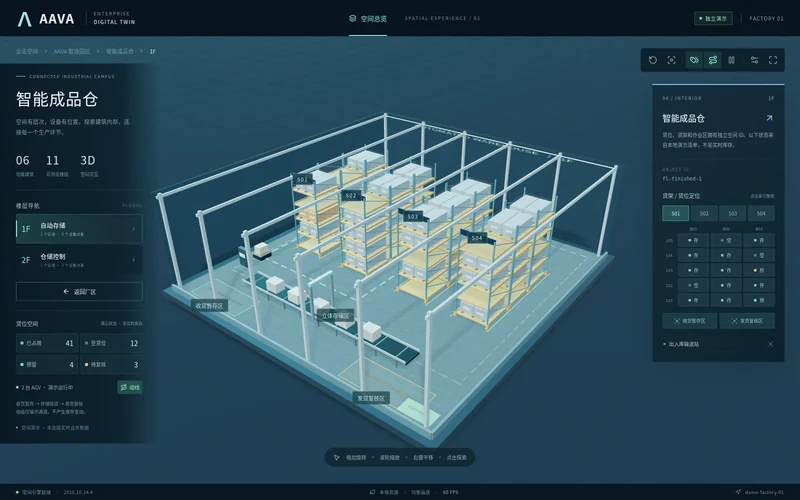
Partial receipts and replacementsOne incoming batch of controller boards fails inspection. What next?
Boxes have arrived, but only released lots can go to assembly. Purchasing, quality and planning need to distinguish arrivals, usable stock and quantities still due.
Receive each batch
Record each delivery and lot against its purchase line and track the remaining instalment on the order.
Record the inspection decision
Record mandatory sample checks and release accepted quantities. Track rejected lots and supplier replacements against the original receipt.
Recheck material readiness
Planning reviews usable lots and affected orders. Finance matches actual receipts to supplier invoices.
Changing a shared board for selected modelsTwenty models share a board. How do you change the capacitor for just five?
A component change on a shared power board can reach models outside the approval. Engineering defines the scope before warehouse separates the physical boards.
Trace direct usage
Trace the capacitor to the board BOM, inspect affected parent models and select those approved to change.
Separate non-interchangeable boards
Give non-interchangeable boards distinct item codes. Review the revised BOMs and effective date on the engineering change.
Replan and check material issues
MRP calculates shortages separately by item code. Warehouse checks each issue against the materials frozen on the work order.
Rework, scrap and replenishmentTen modules reach final inspection. If two are scrapped, how many can enter stock?
Final inspection determines what can enter stock and what still needs to be made. Repeat inspections and partial receipts must trace to the same work order.
Track rework and reinspection
Record failed checks and rework results, then send the final decision to an independent reviewer.
Receive released output
Receive released output in batches and accumulate accepted quantities on the original work order.
Replan and settle costs
Planning checks the remaining production shortfall. Finance separates finished output, scrap loss and work in progress on the order.
Settling subcontract batchesThe subcontractor delivers twice and invoices once. How is the fee split?
One processing invoice may cover several receipts, some already consumed. Purchasing checks the supplier’s invoice while finance traces where each allocated amount went.
Check the supplier invoice
Select both receipts and check the net amount and tax against the supplier’s combined or separate invoice lines.
Review the allocation
Inspect the fee allocated to each receipt and reconcile the portions held in stock and already consumed.
Trace a later credit
Apply a later allowance to the original invoice lines, then reconcile the supplier statement, payables and ledger voucher.
See your workflow in a demo
Start with one role, one transaction and one question.