BOM & engineering
Keep product versions, process routes and work instructions connected to the order.
 AAVADigital factory
SMALL APPLIANCES & ELECTRONICS ASSEMBLY
On-premises AI connects ERP, MES, APS and 3D digital twins.
Bring enterprise telephony, international interpretation and alert response into factory work.
BOM & processes · Materials · Production & quality · Delivery & finance
01 / FOLLOW THE WORK
Explore the campus and production area,
then look inside a task workspace.
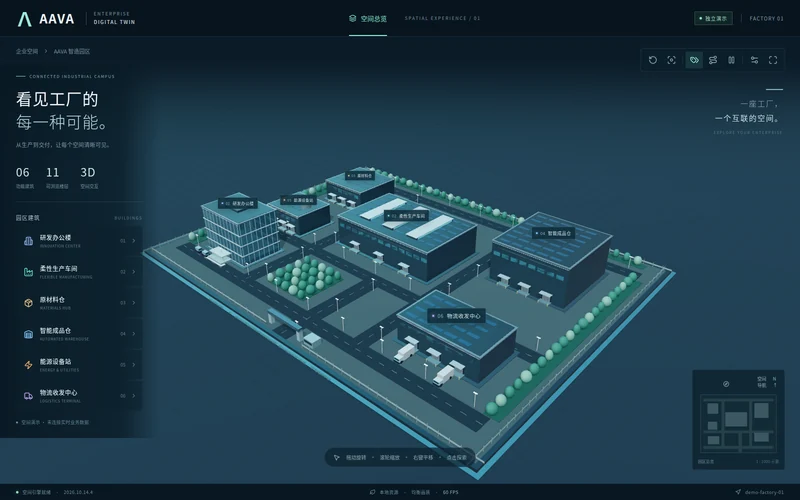
SPATIAL CONTEXT
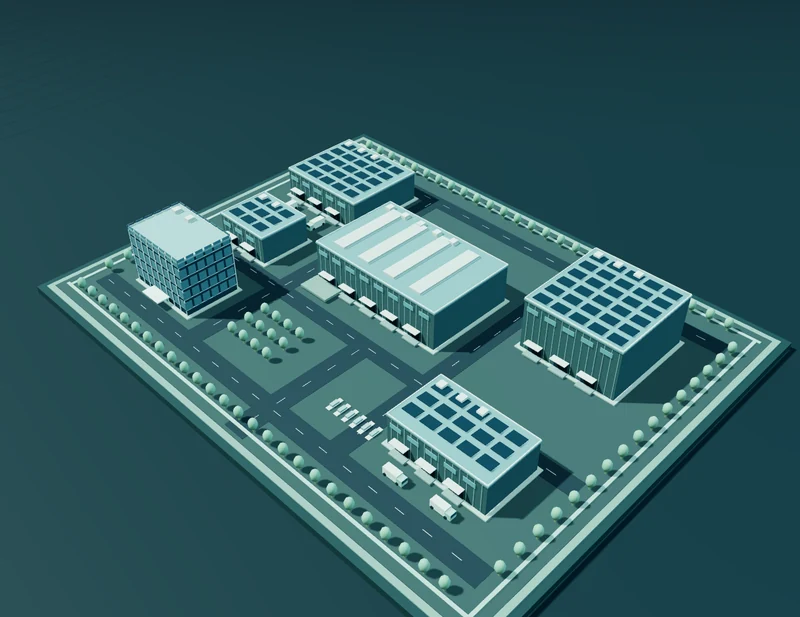
Start with the campus layout to understand where production, storage and supporting teams work.
Teams can also start directly in their role workspace. This guide does not submit business operations.
These historical scenes and isolated validation screenshots illustrate the route. They are not a current production recording or proof that the scene is bound to the sample order.
02 / CONNECT THE PROCESS
ERP connects purchasing, inventory, cost and accounting. MES records production and quality. APS schedules work against material, equipment, staffing and shift constraints.
Keep product versions, process routes and work instructions connected to the order.
Follow demand, purchase orders, receipts and inspection before formal stock entry.
Work through operations, record actual execution and handle inspection and exceptions.
Connect finished goods, shipping and original business records to cost and accounting checks.
03 / ON-PREMISES AI
Run speech recognition, language models and speech synthesis on premises.
Connect business operations, enterprise telephony and cross-language communication.
AAVA connects employee calling and international simultaneous interpretation with the local ASR, LLM and TTS chain. Line access and supported language pairs follow the enterprise deployment.
Rules create alerts, tasks and notifications; local AI can analyse the evidence. Phone and email escalation require confirmed event adapters, channel configuration and delivery checks. Important business actions retain permissions, approval and audit.
Required delivery capability · Automatic telephone integration is pending.
PRODUCT OVERVIEW
An overview of the factory, workspaces and AI.
Chinese narration and burned-in captions.
Historical product demonstration · illustrative business relationships
04 / START WITH THE ESSENTIALS
Gather reliable materials, BOMs, processes and warehouse information.
Assign access and confirm necessary approval, quality and finance rules.
Check a complete business chain, common exceptions and role-specific tasks.
Introduce the agreed scope with clear guidance and maintenance responsibilities.
AAVA / SMALL APPLIANCES & ELECTRONICS ASSEMBLY
Start with the tasks that matter to your factory.